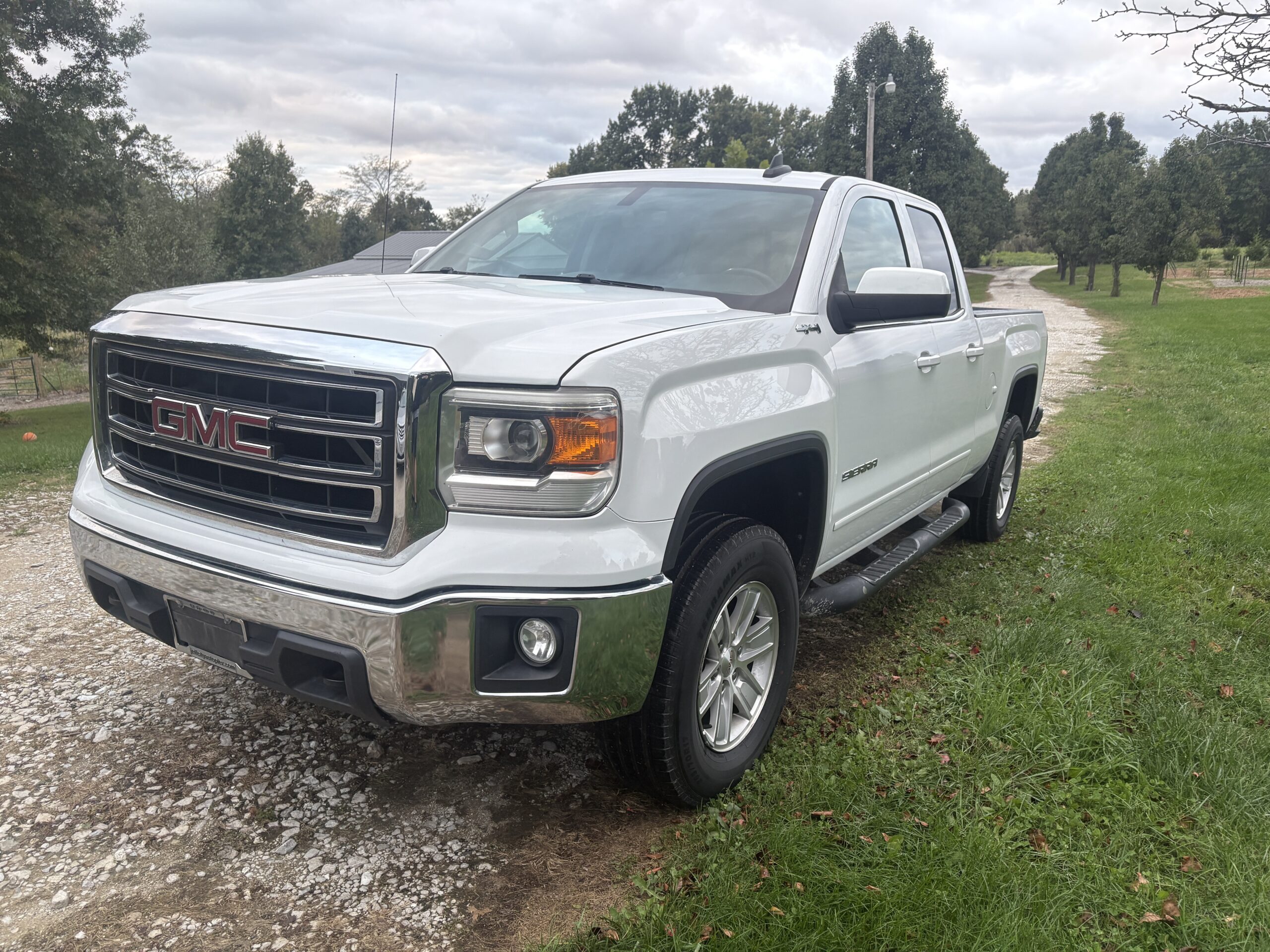
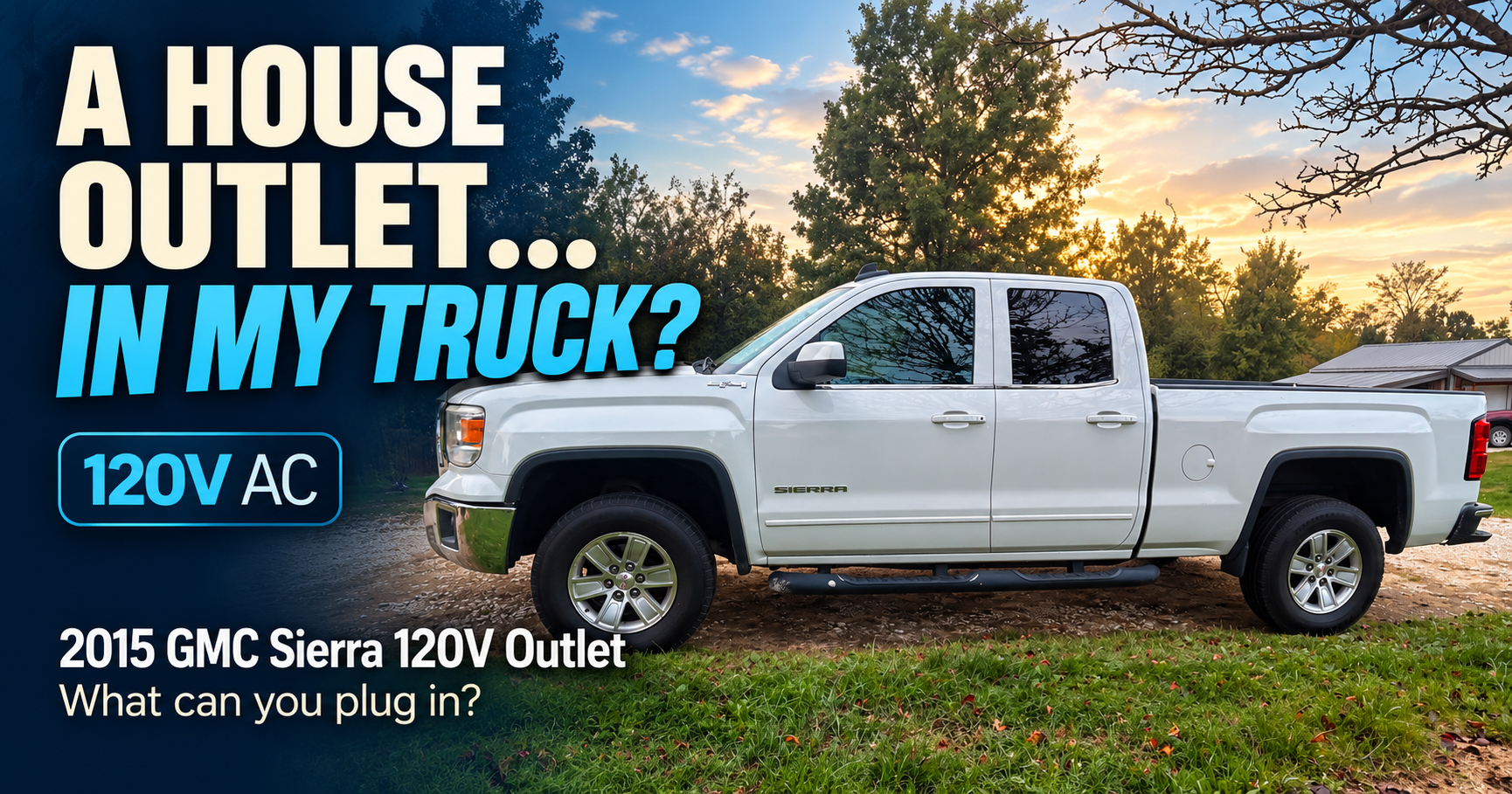
I bought a 2015 GMC Sierra 4×4 yesterday, and I’ve been looking through everything inside it. It has about 130,000 miles, so I’m still figuring out what this particular truck has and how everything works.
There’s a CD player. I found a regular accessory outlet and a 120-volt outlet. But I didn’t see a USB port anywhere near the radio.
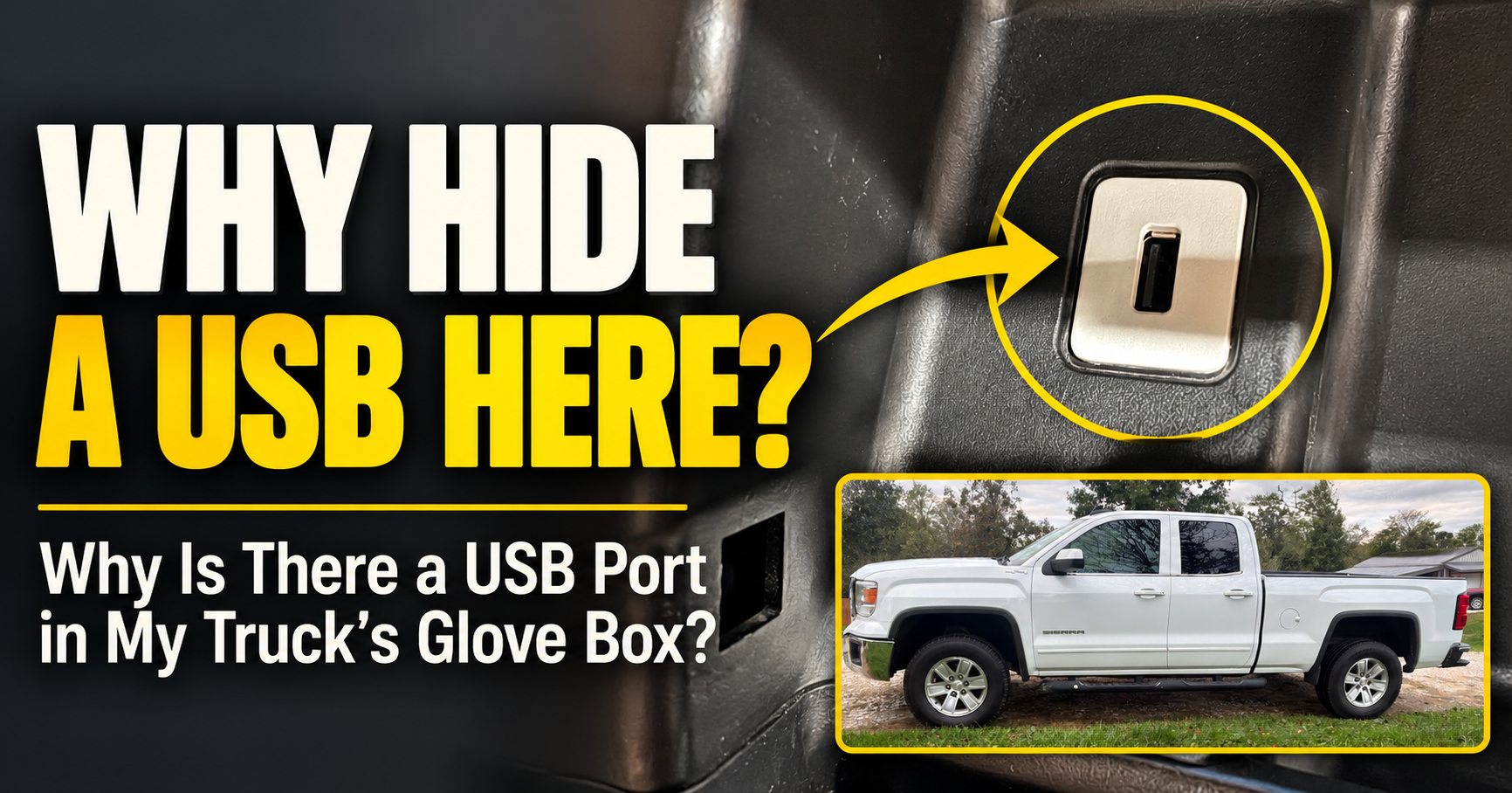
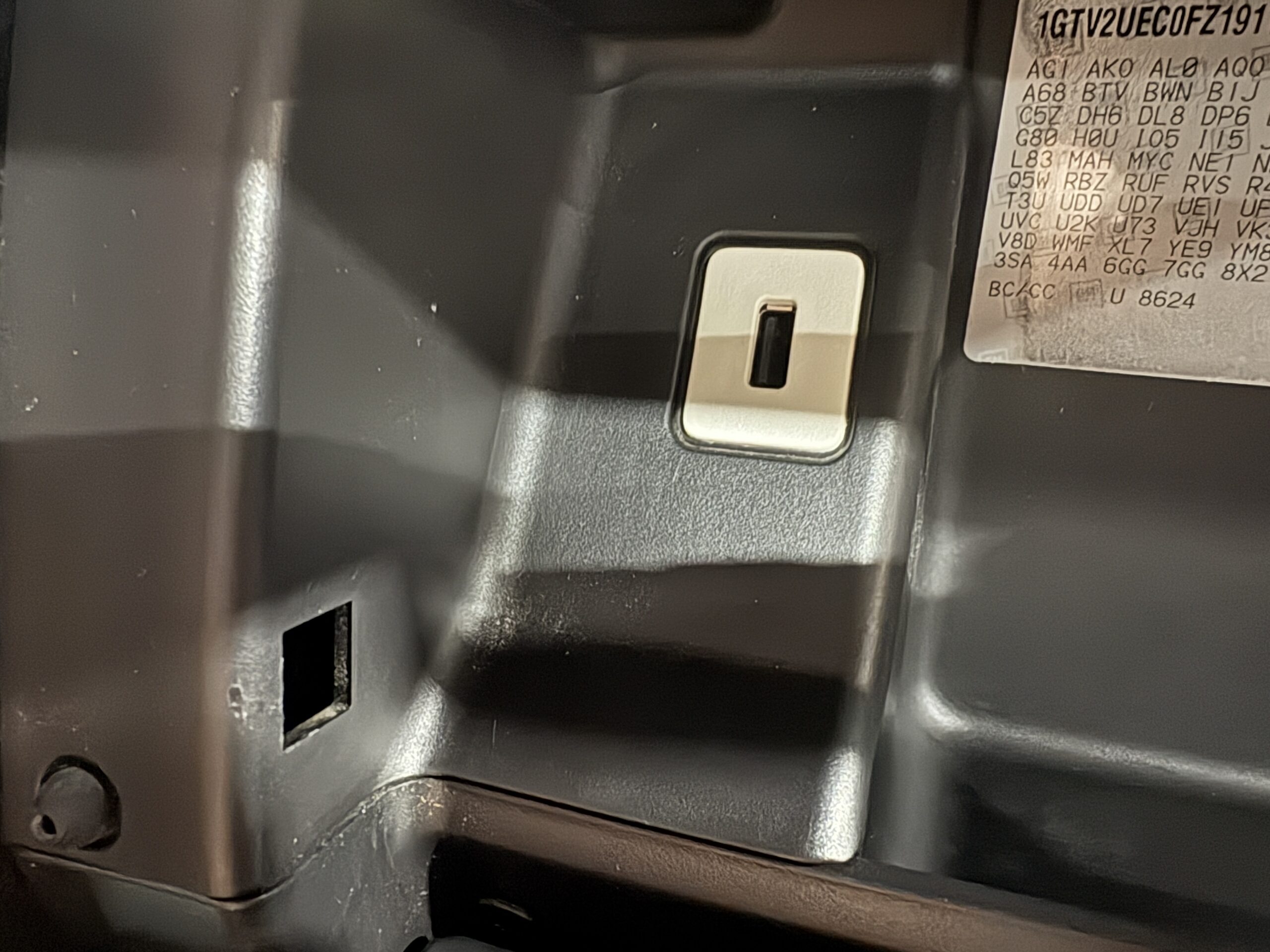
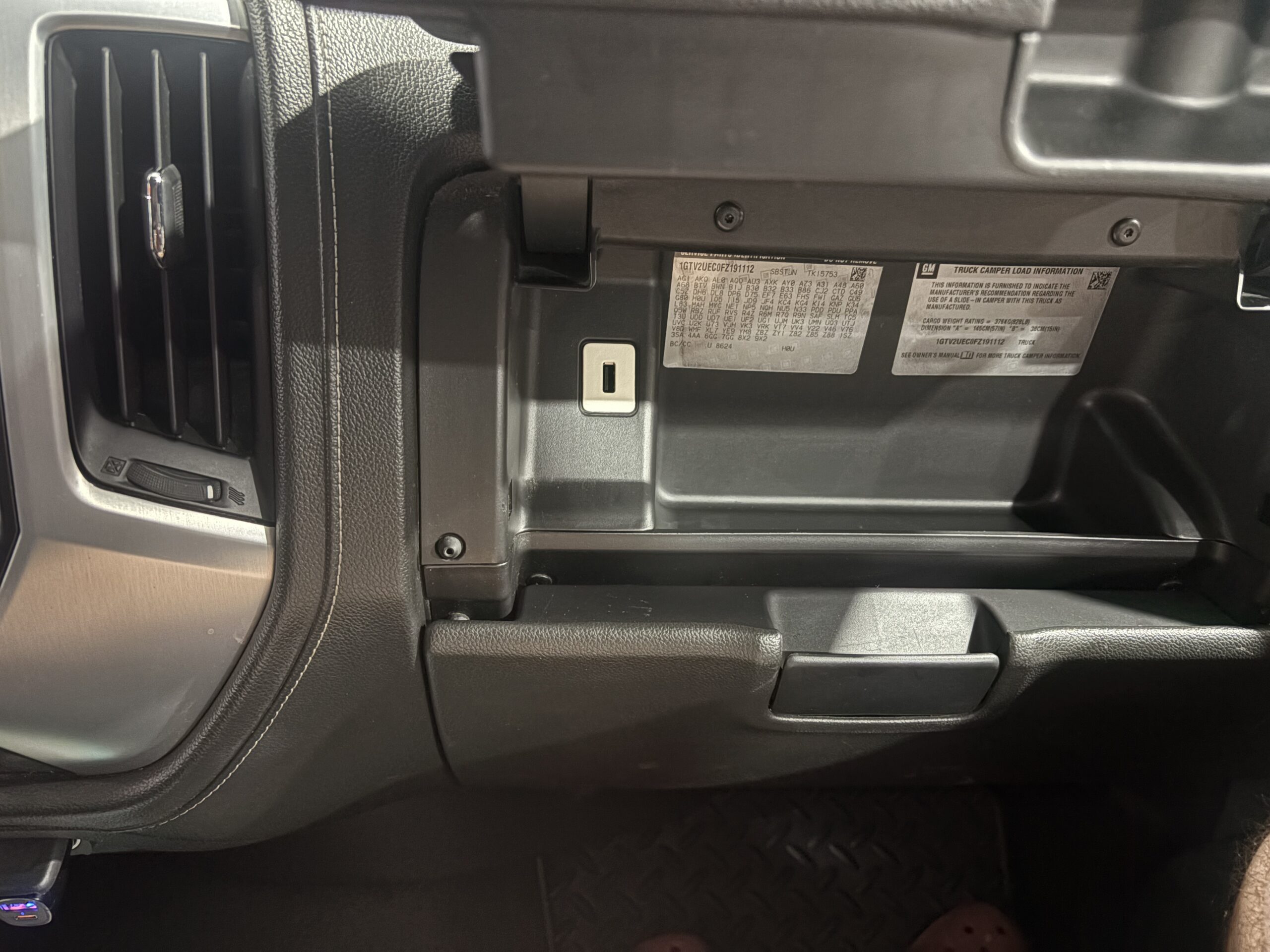
Then I opened the glove box and found one tucked into the inside wall.
My first thought was, Why would they put it in there? If I wanted to plug in my phone, the glove box is about the last place I’d look.
I haven’t plugged anything into mine yet. Before I tried it, I wanted to find out whether it was meant for charging, music, or something else.
The USB Port Is Part of the Truck’s Music Setup
The main reason it’s there is to connect a compatible USB music device to the radio.
GMC’s 2015 Sierra owner’s manual describes a USB port in the upper glove box. It says the audio system can play music from a compatible USB drive or media device connected to the port.
That made the location a little less strange to me.
If I put music on a small flash drive, I could leave it plugged into the glove box. The drive would be out of sight and wouldn’t stick out of the dash.
For a phone that I take with me every time I get out, though, I still wouldn’t call it convenient.
Why Is It in the Glove Box Instead of Beside the Radio?
Not every 2015 Sierra has the same interior layout.
GMC’s 2015 Sierra Get to Know guide points out the glove-box USB location on certain SLE and SLT trucks with a bench seat. The owner’s manual also mentions USB ports in a center console or armrest on other setups.
So the glove-box location isn’t something a previous owner necessarily added. GMC put a port there on some trucks.
I’m still checking the compartments in mine. I didn’t spot another port near the CD player, but I don’t want to claim the glove-box port is the only one until I’ve looked through the center seat area carefully.
If you’re searching your own Sierra, check inside the upper glove box and any center armrest or console storage. The ports aren’t always out in the open.


How Do I Play Music From a USB Drive?
I’d start with a small USB flash drive containing just a few songs. That gives you an easy test before filling a drive with your whole music collection.
Plug it into the glove-box port with the truck and radio on. Press the MEDIA button until the radio shows the connected USB device. GMC says you can then use the radio controls to browse the music on the drive.
The manual specifies that the drive needs to work as a USB Mass Storage Class device. It also says external hard drives aren’t supported.
That distinction matters if the first thing you plug in doesn’t appear on the radio. A device that isn’t compatible with the audio system could make a perfectly good port seem broken.
I’m going to try a simple flash drive in mine first. Once I’ve actually used it, I’ll know whether leaving music in the glove box is something I’d enjoy or just a neat feature I never touch.
Can I Charge My Phone With It?
GMC describes a compatible connected device charging while the truck is on. So yes, the USB connection may also supply power.
But I wouldn’t assume an older factory USB port will charge a current phone quickly. I also wouldn’t assume that because a phone charges, the radio will be able to play music from it.
Those are separate tests.
I’m going to plug my phone in and see whether it shows a charging symbol. Then I’ll press MEDIA and see whether the radio recognizes it. I haven’t done that yet, so I can’t tell you that my particular phone works with this truck.
If I only need to charge a phone while driving, a charger in the accessory outlet up front may be easier to use. I’d rather have the phone and cable where I can reach them than run a cord into the glove box.

Will a New iPhone or Android Phone Play Through It?
It might, but I’d test your actual phone before counting on it.
The owner’s manual discusses devices that were around when the truck was built. It also warns that newer device software can cause compatibility problems. A modern phone may charge from the port without appearing as a music source.
Try a cable you know can transfer data. Some cables only provide power. After connecting the phone, press MEDIA to look for the USB source.
If your Sierra has IntelliLink with Bluetooth audio, wireless music may be simpler. GMC’s guide describes Bluetooth streaming on trucks equipped with that system.
Mine is still new to me, so I’m learning which audio features it has. I don’t want to tell someone with a different radio that every 2015 Sierra works the same way.
What About the 120-Volt Outlet and the Round Accessory Outlet?
Seeing those other outlets made the USB port more confusing at first. It seemed like the truck already had plenty of ways to power something.
The difference is what each connection does.
The 120-volt outlet provides power for a suitable device. The round accessory outlet can power a plug-in charger or another compatible accessory.
The USB port can also connect a music device to the truck’s audio system. That’s the job the other outlets can’t do by themselves.
Once I looked at it that way, hiding the USB port in the glove box made more sense. It’s a place to keep a music drive connected, even if it’s not where I’d choose to plug in a phone every day.

What If the USB Port Doesn’t Work?
First, figure out which part isn’t working.
If your phone doesn’t charge, try another cable and another device. A bad cable is easier to rule out than a problem inside the dash.
If the phone charges but the radio doesn’t recognize it, press MEDIA and look for USB among the available sources. Then try a simple flash drive with a few compatible music files. That helps separate a phone compatibility problem from a port or radio problem.
If a flash drive appears but the songs won’t play, the radio may not support those files. If several known-good devices get no power and never appear on the radio, the port or its connection may need inspection.
Because these trucks are used vehicles now, I’d also consider whether the radio has been replaced or modified. The factory manual can explain what GMC installed, but it can’t tell me what a previous owner might have changed in my truck.
I wouldn’t start buying a new USB port based on one phone failing to connect.
The First Thing I’m Trying in Mine
I’m going to put a few songs on a flash drive, plug it into the glove box, and see whether MEDIA finds it. Then I’ll try my phone separately for charging and music.
That should tell me what this port does in my Sierra, rather than just what it was designed to do when the truck was new.
It’s a small thing, but it’s exactly the sort of feature you can miss in a used vehicle. I went looking for a USB port beside the radio and found it only because I happened to open the glove box.
About the author: Daxon Weaver owns the 2015 GMC Sierra pictured here and writes about the vehicles he uses at Why Is My Car.