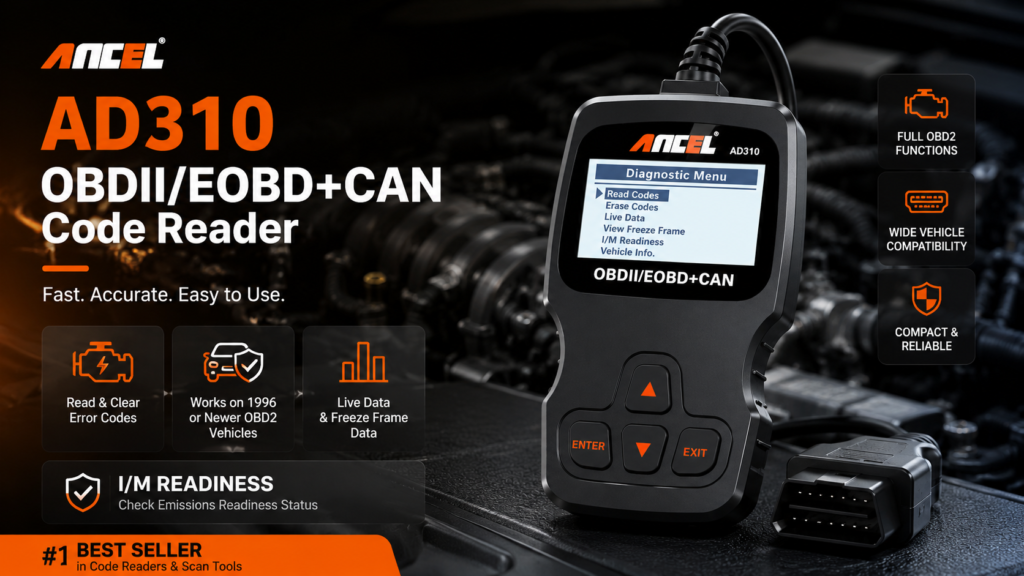
The check engine light doesn’t have to be a mystery. The ANCEL AD310 gives you a real answer in under 30 seconds — no mechanic required.
If you’ve ever seen that check engine light pop on and felt completely helpless, you already know the frustration of not knowing what your car is trying to tell you. Most people either ignore it and hope for the best, or drive straight to a shop and hand over $100 just to find out what the code means. The ANCEL AD310 OBD2 Scanner changes all of that — it puts the diagnostic power directly in your hands in about 30 seconds flat. Before considering the scanner, readers can review the site's product recommendation policy.
This isn’t a complicated tool. You don’t need to be a mechanic to use it. You plug it in under your dashboard, turn the key, press a couple of buttons, and it tells you exactly what fault code is stored — and what it means in plain English. That’s it. For under $30, it’s one of the smartest things any car owner can have on hand.
What the ANCEL AD310 Actually Does
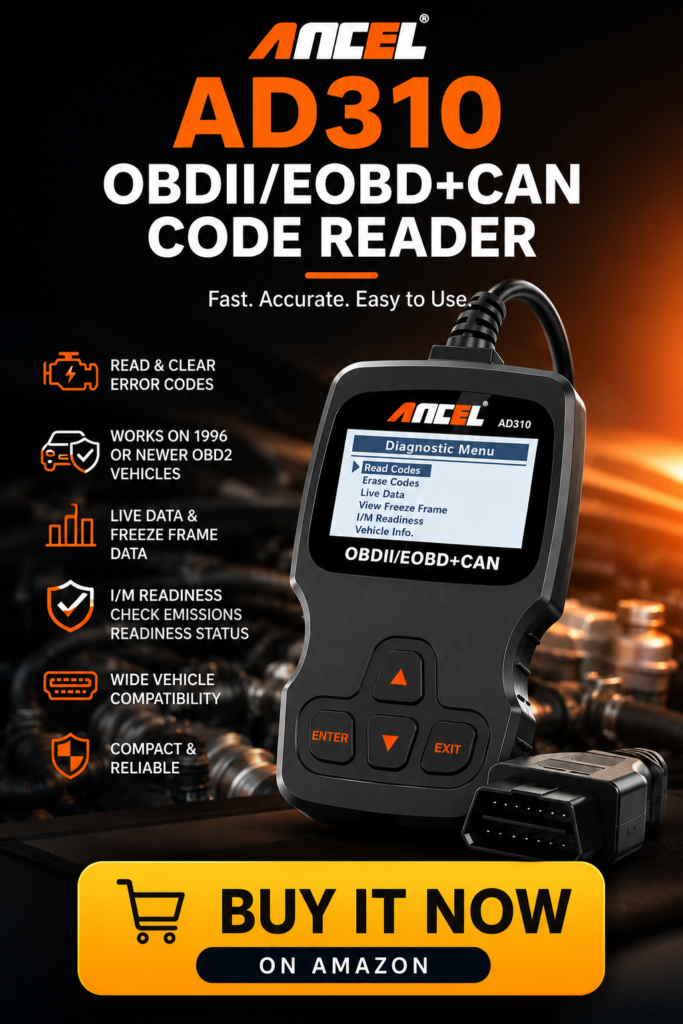
The AD310 is a classic handheld OBD2 scanner — meaning it’s a standalone device, not a Bluetooth dongle that pairs with your phone. You plug it directly into your car’s OBD2 port (located under the dashboard on the driver’s side, usually near the steering column), and it powers up from the car itself. No batteries required.
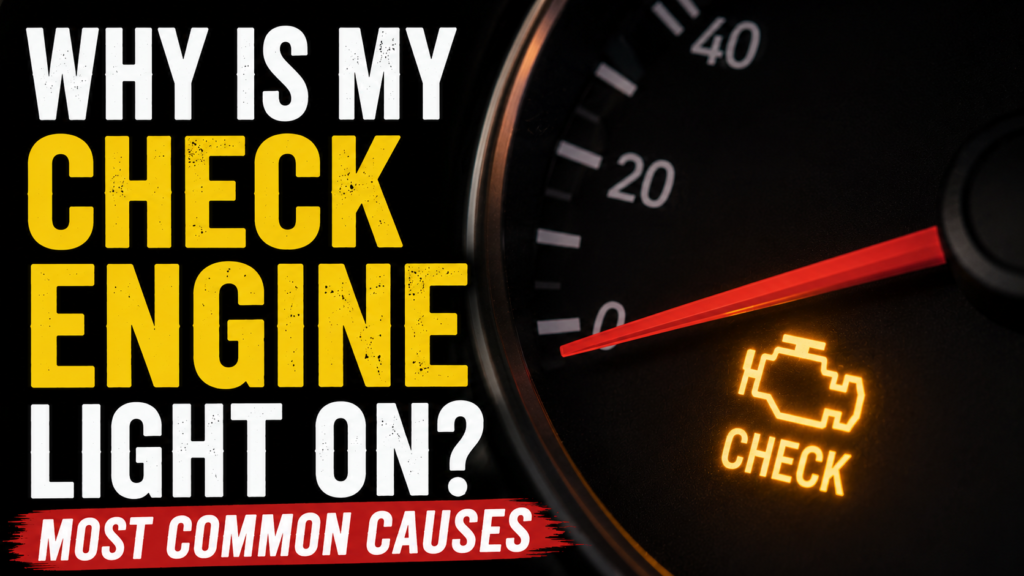
Once connected, it reads diagnostic trouble codes — the P, B, C, and U codes your car’s computer stores whenever something falls outside of normal parameters. It also reads freeze frame data, which captures what the engine conditions were at the exact moment the fault was detected. That’s genuinely useful information when you’re trying to figure out whether a code is a one-time fluke or an ongoing issue. Once you have the code, common check engine fault causes can help explain what may have triggered it and how urgent the problem could be.
Reading Codes
Hit the Read button and within a few seconds you’ll see the fault code on the screen — something like P0420 or P0301. The AD310 has a built-in code library that displays a plain English description of what that code means right on the screen. You don’t need to look anything up separately. P0301 will tell you “Cylinder 1 Misfire Detected.” P0420 will tell you “Catalyst System Efficiency Below Threshold Bank 1.” Real information, not just a number.
Clearing Codes
Once you’ve fixed the underlying issue — or confirmed it was something minor like a loose gas cap — you can clear the code and turn off the check engine light directly from the scanner. No need to disconnect the battery or pay a shop to reset it. The light goes off, the code clears, and you can monitor whether it comes back over the next few drives. The loose gas cap warning FAQ explains why this common trigger may clear on its own and when it still needs diagnosis.
Live Data and I/M Readiness
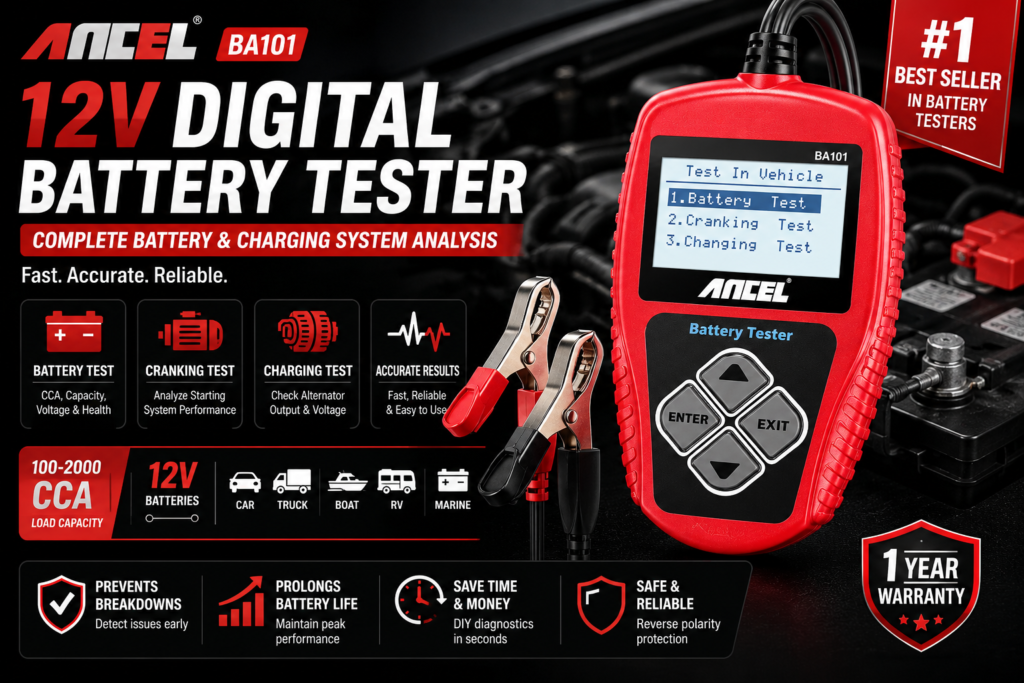
The AD310 also shows live data streams from your sensors and checks I/M readiness monitors — which tells you whether your car is ready to pass an emissions test. If you’ve recently cleared codes or had battery work done, this tells you whether the monitors have completed their cycles before you drive to the testing station. When battery work is part of the diagnosis, battery, alternator, and starter testing can check the battery, alternator, and starter separately.
What Vehicles Does It Work With?
The AD310 works with any vehicle sold in the United States that is 1996 or newer. That covers virtually every car, truck, SUV, and minivan on the road today. It supports the standard OBD2 protocols including CAN, ISO, PWM, VPW, and KWP — which covers domestic, Asian, and European vehicles.
It does not work with pre-1996 vehicles that use OBD1 systems, and it’s designed for gasoline engines primarily — diesel vehicle support varies. If you drive a newer diesel truck, double-check compatibility before purchasing.


Why a Handheld Scanner Beats a Bluetooth Dongle for Most People
Bluetooth OBD2 dongles are popular, but they have a real weakness — they depend entirely on your phone and a third-party app to display information. App compatibility changes, phones update, and suddenly your scanner stops working until the developer pushes a fix. Some apps also charge monthly subscription fees to access full code information.
The AD310 has none of those problems. It’s completely self-contained. The screen shows the code, the description, and the data — right there on the device. It works the same way every single time regardless of what phone you have or what OS update just rolled out. For pure reliability and simplicity, a standalone handheld scanner wins every time.
How to Use the ANCEL AD310 Step by Step
Using this scanner takes less than two minutes the first time and about 30 seconds once you know where your OBD2 port is.
Step 1: Locate your OBD2 port. It’s a 16-pin trapezoid-shaped connector under the dashboard on the driver’s side. Most vehicles have it within reach of the steering column.
Step 2: Plug the AD310 in. It powers up automatically from the vehicle.
Step 3: Turn your key to the “on” position without starting the engine, or start the engine — either works for reading codes.
Step 4: Press the Read button. The scanner communicates with your car’s ECU and displays any stored fault codes within seconds.
Step 5: Use the scroll buttons to read the code description and any freeze frame data.
Step 6: To clear the code after fixing the issue, press the Erase button and confirm. The check engine light will turn off.


What It Won’t Do
The AD310 is an entry-level scanner and it’s honest about that. It reads and clears codes, shows live data, and checks readiness monitors. It does not perform advanced functions like ABS or airbag diagnostics, transmission control module resets, oil life resets, or TPMS resets. For those functions you need a more advanced scanner that costs significantly more.
For the vast majority of check engine light situations — which is what most people actually need — the AD310 handles the job completely. If you need dealer-level diagnostics, this isn’t that tool. But for diagnosing and clearing common fault codes on any everyday vehicle, it does exactly what it promises.
Who Should Buy the ANCEL AD310
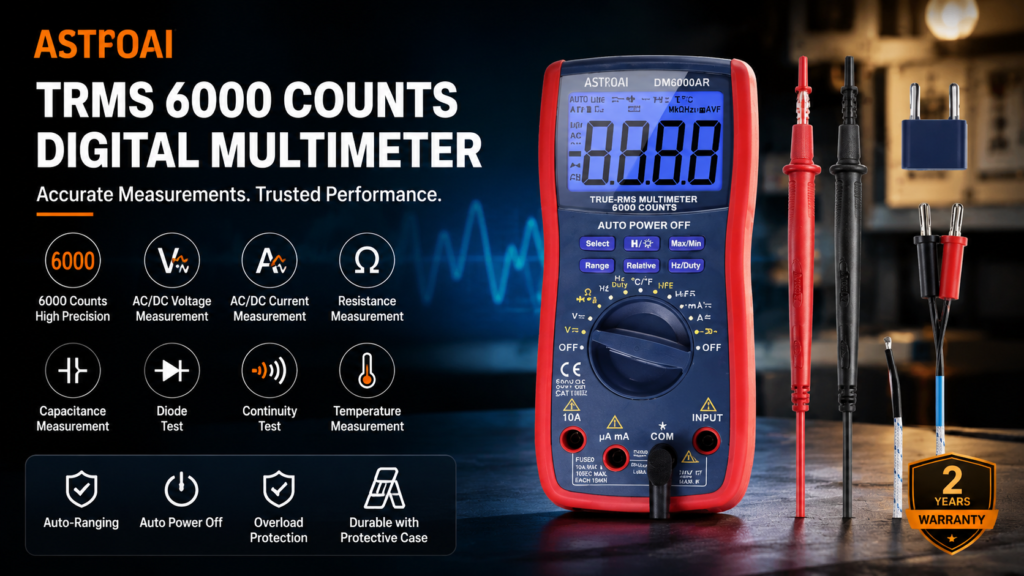
This scanner is ideal for any car owner who wants to know what their check engine light means without paying a shop $100 to find out. It’s perfect for people who do their own basic maintenance, anyone buying a used car who wants to scan for hidden codes before purchasing, and anyone who just wants to be informed before walking into a mechanic’s shop. For problems that require checking voltage rather than stored codes, automotive electrical testing is a useful companion tool.
It also makes an excellent gift for new drivers or anyone in the family who owns a car but doesn’t have any diagnostic tools. At this price point it’s a no-brainer.
See the ANCEL AD310 on Amazon →
Frequently Asked Questions
Does the ANCEL AD310 work on my car?
If your vehicle is a 1996 or newer gas-powered car, truck, SUV, or minivan sold in the US, yes. OBD2 has been federally mandated on all vehicles since 1996. The AD310 supports all five standard OBD2 protocols covering domestic, Asian, and European vehicles.
Do I need to download an app to use it?
No. The AD310 is completely standalone. Everything displays directly on the built-in screen. No phone, no app, no subscription required.
Will it turn off my check engine light?
Yes. After reading the code and addressing the underlying issue, you can use the Erase function to clear the code and turn off the check engine light. If the underlying problem still exists, the light will return within a drive cycle or two.
Can I use it to check if a used car has hidden codes?
Absolutely — this is one of the best uses for it. Plug it in before you buy any used vehicle. If codes have been recently cleared, the I/M readiness monitors will show as incomplete, which is itself a red flag worth asking about.
Does it work on diesel vehicles?
Partial support. It works on light-duty diesel vehicles that use standard OBD2 protocols, but may not support all functions on heavy-duty diesel trucks. Check the product listing for your specific vehicle before purchasing.
Ryan is a former fleet mechanic who spent twelve years maintaining commercial vehicles before transitioning to writing about automotive issues for regular drivers. He’s worked on everything from economy sedans to full-size diesel trucks and has a particular obsession with electrical gremlins that make no sense until suddenly they do. Ryan contributes to WhyIsMyCar.com because most car content online is either too technical or too vague — he aims for the middle ground where people actually learn something.